
Search Appleton DUI Records
Appleton DUI Records usually begin with a city police request or a county court search, depending on what part of the file you need. If the request is for a police report or a driver-related records form, the Appleton Police Department is the right start. If the case moved into court, the Outagamie County Clerk of Circuit Courts and WCCA become the main record path. Appleton DUI Records are easier to find when the city report side and the county court side stay separate from the start.
Appleton DUI Records Overview
Appleton Police DUI Records
The strongest city-specific source in the research is the Appleton Police Department online services page. That page includes the department's request-for-records process and a Driver's Privacy Protection Act form for vehicle-related records. That makes it the best Appleton entry point when the request is really for a local report, a vehicle-related record, or another city-generated file tied to a DUI stop.
The police-record side is different from the court side. A police record can describe the stop, the report, and the request form. It does not replace the county court file or the statewide driving record. Appleton DUI Records searches often go wrong when someone asks the police department for a certified court copy or asks the clerk for a city records form. Keeping those roles separate makes the search much faster.
The image below points to the official Appleton Police Department online services page and is the clearest local image-backed source for Appleton police-side DUI records.
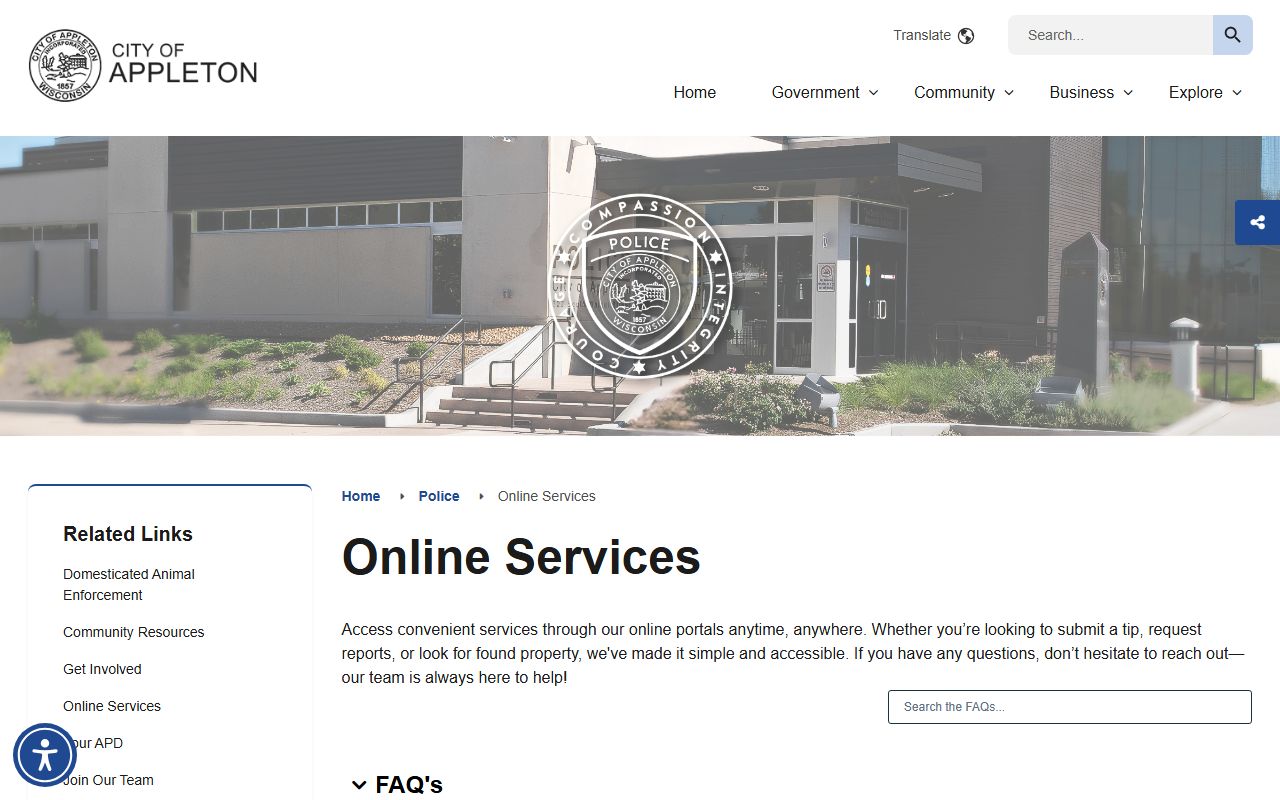
Use that city police page when you need the local request form or need to confirm whether the record belongs with the department instead of the court.
Appleton DUI Records In Outagamie Court
The county court side of Appleton DUI Records runs through the Outagamie County Clerk of Circuit Courts at the Justice Center, 320 South Walnut Street, Appleton, WI 54911. The research gives the main phone as (920) 832-5131 and notes that the office handles criminal, civil, traffic, family, and small-claims cases. Record requests can be made by mail, fax, phone, or in person. Copies can be emailed after payment. Plain copies are $1.25 per page and certified copies are $5 each.
Wisconsin Circuit Court Access is still the first step because it helps confirm whether the file exists and what case number goes with the request. The research ties Appleton directly to Outagamie County circuit court and notes that Appleton is the county seat. That means an Appleton DUI Records search for a circuit-court file should move from WCCA to the county clerk, not stay on the police side once the court case has begun.
The Outagamie County clerk page is also useful because it explains multiple ways to request records and clarifies that e-filing support and payment plans exist. Those details matter when the request is not just for a casual lookup but for a copy that needs to be sent, certified, or tied to a live case. In Appleton, the county court side is the practical center of the court-record trail.
Appleton Records And County Help
The Outagamie County Sheriff's Office adds the law-enforcement and custody side. The research places the sheriff at 3030 East Goodland Drive, Appleton, WI 54911, with a searchable online inmate lookup and jail roster. That matters because Appleton DUI Records can extend beyond the police report and court file when the question is about current custody status, charges, bond, or the county jail side of the case.
The county law library also helps Appleton users navigate the system. The research points to the Outagamie County Law Library on the fifth floor of the Justice Center, with public-access computers for WCCA searches and reference help during normal business hours. That is useful for Appleton users who need to search the docket in person, pull together the right case number, or sort through the court process before asking for copies. It is not a copy office, but it helps users reach the copy office with the right information.
The Outagamie County District Attorney also appears in the research because the office prosecutes criminal cases and runs victim-witness services. The DA is not a records counter, but it is part of the court path once the police referral becomes a criminal file. In Appleton, that matters because city enforcement, county prosecution, and county court records all fit into the same chain.
Appleton DUI Records Follow-Up
State systems finish the record trail. A WisDOT driving record request shows the license-history side of an Appleton DUI case, including suspension or revocation entries. The DOJ Crime Information Bureau handles statewide criminal-history checks. If a crash was involved, the WisDOT crash records system handles report purchases. Those state systems answer questions that the city police page and county court file cannot answer by themselves.
Appleton also has a municipal-court layer in the research, but the direct city court source provided there is weak, so this page does not rely on it for body citations. The safer point is still clear: some first-offense city matters may start on the municipal side, but Outagamie County circuit court handles the broader criminal-traffic and OWI record path. When the source quality is mixed, the right move is to anchor the page to the official police, clerk, sheriff, district attorney, and WCCA systems instead of copying thin directory-style content.
That gives Appleton DUI Records a clean search order. Start with city police if you need the local report or records form. Use WCCA to identify the county case. Move to the Outagamie County clerk for the file copy. Use the sheriff if the issue is custody or jail status. Then use DOT or DOJ resources for statewide license and criminal-history follow-up. That order keeps each office in its real role and avoids the generic filler approach you wanted to avoid.